From the tray to the listing, in four moves.
The clerk does the cataloging. You keep the judgment calls — grade and price are always yours to approve.
1
Snap both sides
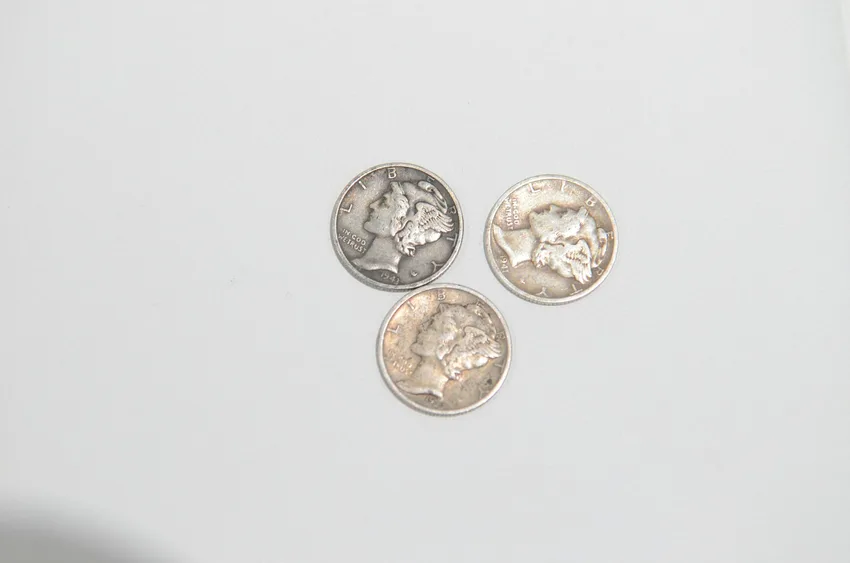
Obverse, reverse, done — from the phone you already have. Raw coins, slabbed coins, toned coins, kitchen-table light. If a photo’s too rough to read, the clerk asks for one more rather than guessing.
2
The read comes back filled in
Date, mint mark, denomination, type and variety — the attribution a catalog would want, pulled from both faces. A 1916 dime isn’t just a dime; the clerk knows which one it is.
It suggests a grade alongside, with its reasoning. You nudge it up or down, or leave it — nothing goes anywhere until you’ve approved the read. The grade is an opinion; yours is the one that counts.
3
Set the price. It posts.
The listing is already written — title, item specifics, condition notes, your photos in order. Type the price, tap approve, and it goes to eBay and WhatNot at once; Etsy too if you’ve switched it on. Anywhere else with a listings API, as they open up.
4
Show mode, for live sellers
Before the show, photograph your lots in the order you’ll sell them — that’s your run sheet. The queue syncs to WhatNot and eBay Live in the same order, so the listing on screen is the coin in your hand. Pull, confirm, price, next lot. The show never waits on typing.
Try it on the nearest coin
Ten listings free, no card. If the read impresses you, the tiers are here.